Improvements and New Features

The River Thames Guide app is under constant review and development and new versions are released frequently.

If you have any ideas for new features or additional information or have spotted an error or out-of-date information, please tap About then Contact/Feedback to email the author.

Just tap the Close button to return to the full page.

Marina popups updated
   popups now include each What3Words locator
   tapping the W3W locator copies it to the clipboard
   popups now include phone number
   tapping the phone number copies it to the clipboard
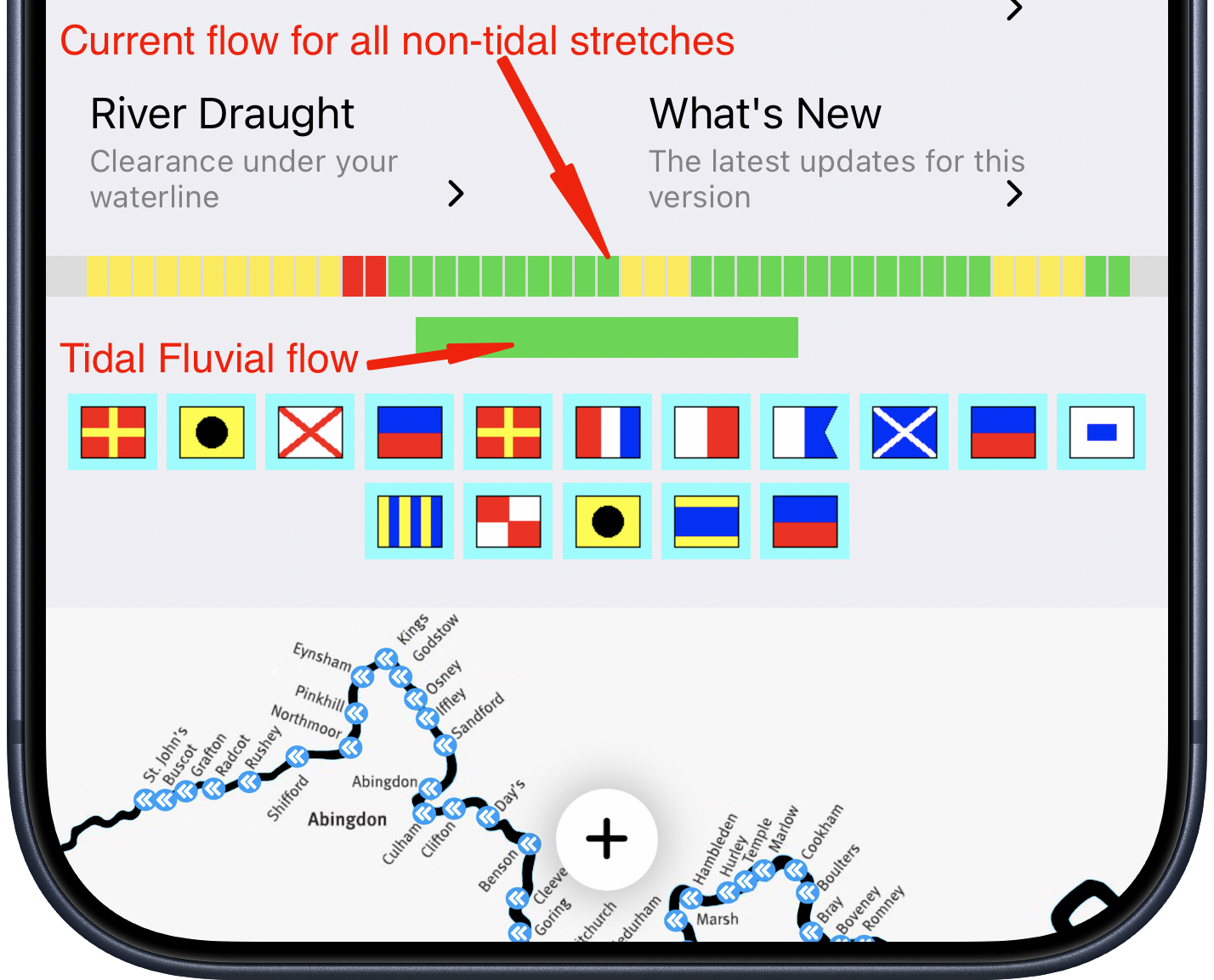
Thames' Conditions overview
   Home page shows a snapshot of non-tidal and tidal conditions
Lock popups updated
   popups now include each What3Words locator
   tapping the W3W locator copies it to the clipboard
   NOTE: W3W Lock locator is to nearest vehicle access
Camp sites popups updated
   popups now include each What3Words locator
   tapping the W3W locator copies it to the clipboard
   camp site popups also now include Post Code
Fix to Conditions display
   'No Stream Warnings' now showing as green (not white)

Previously:

Weather/Conditions pages completely rewritten
  Show current conditions, weather now and forecast for any lock on non-tidal Thames and Wey and for selected bridges on tidal Thames
  
  Thames locks listed in river order each lock button coloured to match current flow red, yellow or green (blue is no data available)
  
  Selected tidal Thames bridges listed in river order with current Fluvial flow
  
  Wey locks listed in river order
  Sun protection recommendation based on projected UVIndex
Grouped map page buttons for clearer location view now map page has bottom centre - tapping this gives you five further options:
     'Home' takes you to the app start page
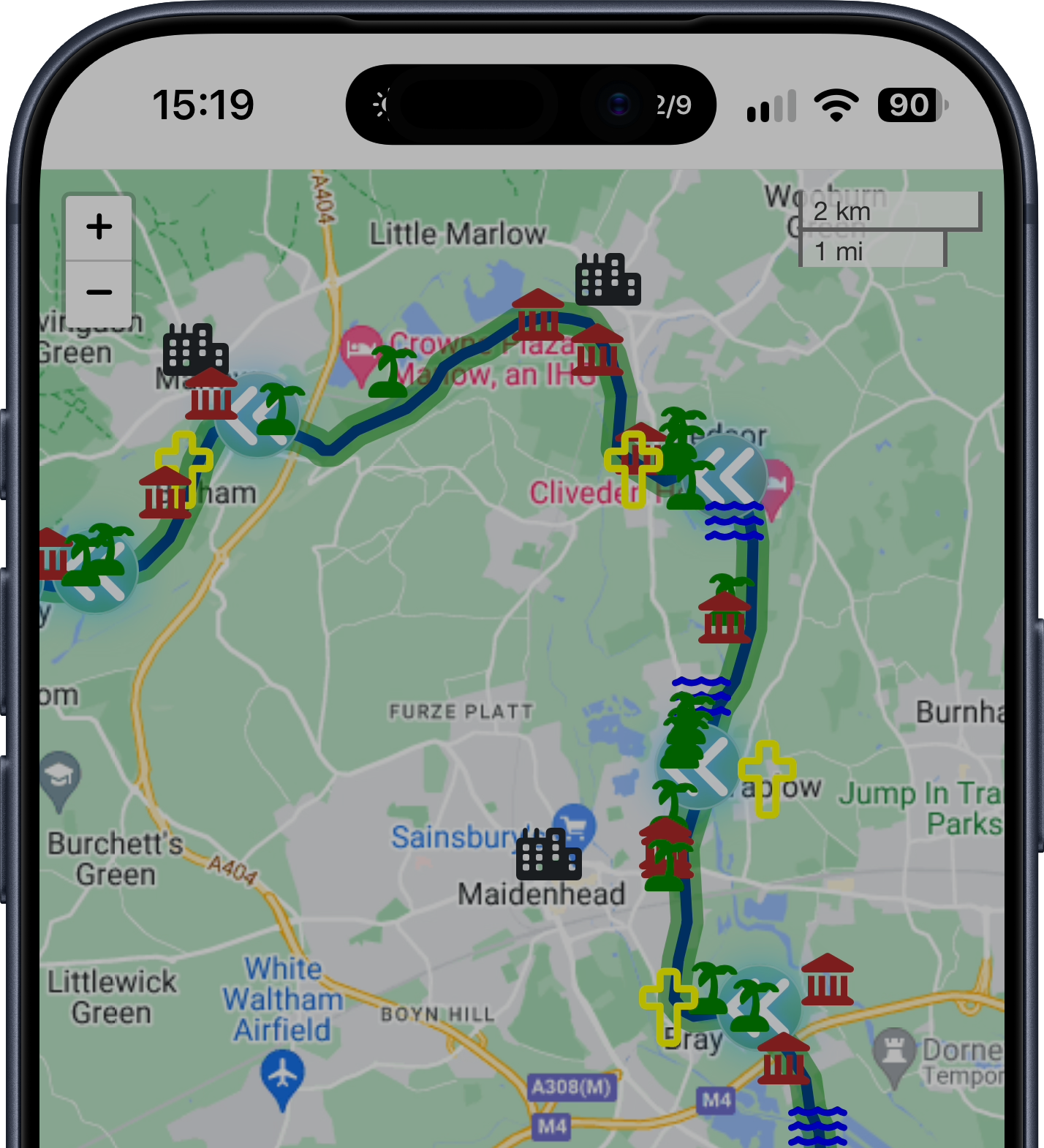
     'Map Overlays' opens left panel to add facilities to map
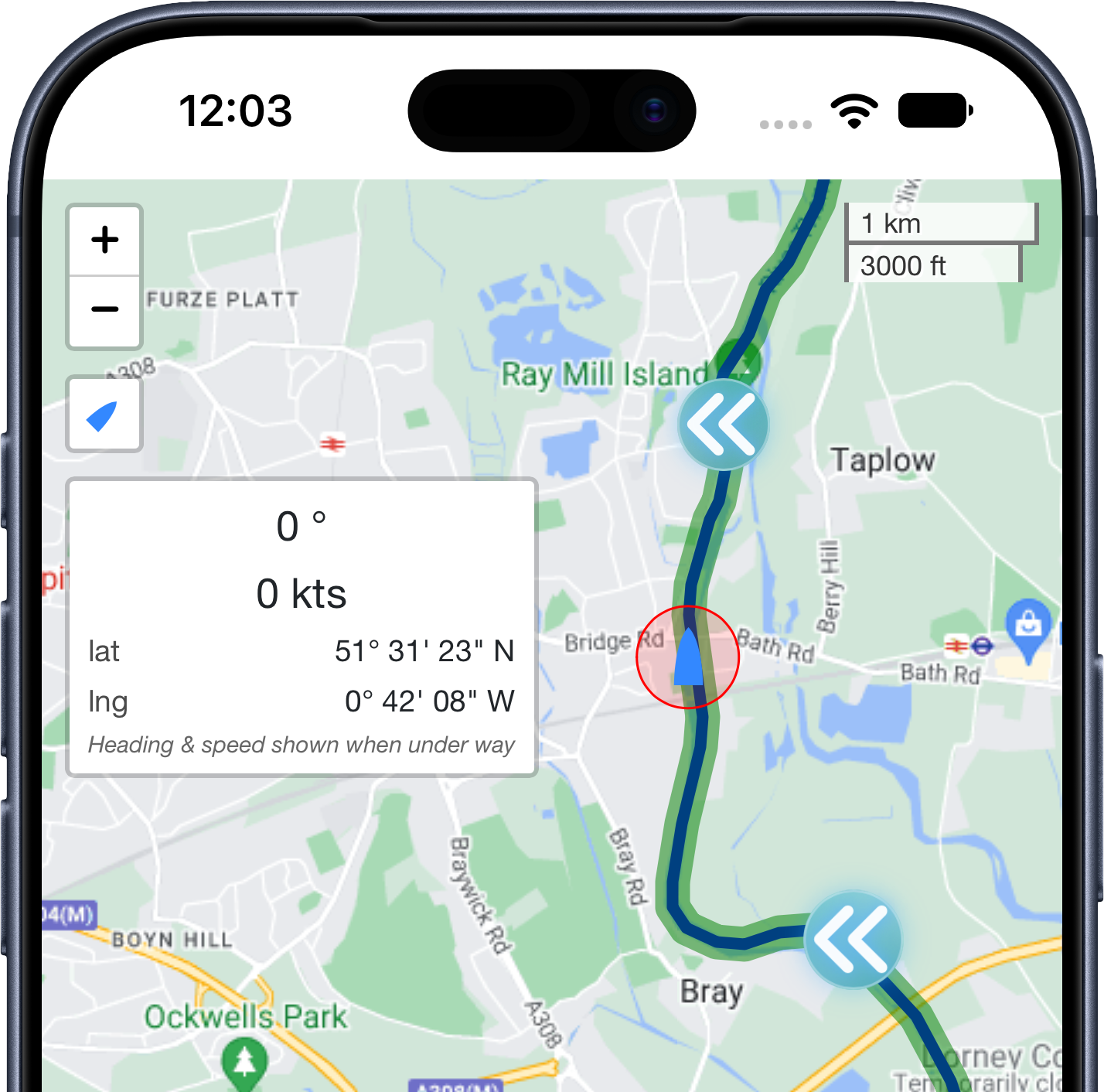
     'Where am I' shows you current location and 'What3Words'
     'Help' opens help for map display
     'About, ...' shows options for river/app usage
  
   requires two taps but gives cleaner map view...
Added list of EA Moorings
   day-to-day and live aboard locations
   find the lists in Advice/EA Moorings
Updated all popups
   common and consistent theme
Lots of minor updates to UI
   over 200 improvements to make app usage easier
Simplified sending email feedback
   About/Contact
Added Portage maps for:
   Iffley, Sandford, Abingdon, Culham, Clifton, Day's, Benson, Cleeve, Whitchurch
Fixed display of Signal Flag meanings
   explanations only shown in landscape on smaller screens
   now viewable in landscape and portrait
Added option to clear 'My Route' only
   leaving other overlays remaining on map
Updated click/tap behaviour on map
   when map overlay or help panel is open:
   tapping map will close the panel(s)
Updated Tidal bridges display
Reviewed Tidal fuelling options
Added What3Words locators to Where Am I popup
   tap the Find Me icon (top left of map)
   popup shows where you are (with accuracy)
   and offers button to look up What3Words locators
Added portage for Mapledurham lock
Fixed issue where some portage maps not fully visible
   on older devices
Updated most menu icons
   for a cleaner and more intuitive look
Added What3Words locators to Lock popups
   because using the official post code (also shown) in SatNav
   can leave you some distance from the river
Added What3Words locators to Emergency Rendezvous Point popups
   because the official locator (also shown) requires an OS map
Simplified retrieving your current What3Words locator
   /Advice/Where am I?
Map overlays
   updated Pubs locators
   added riverside pubs for tidal reaches
Map overlays
   improved popup layout for easier reading
   aligned popups more accurately with icons
Mapping
   restored 'Find me' for iOS, iPadOS versions
Map overlays
   changed overlay indicators
   now easier to see which overlays are on/off
Map overlays
   added ability to temporarily hide Lock markers
   (Lock markers always shown when map redrawn)
Navigation within the app
   various improvements to help move around between screens
Tidal conditions
   updated tidal conditions pages
   with mobile-friendly display
Fluvial flow info
   updated current Fluvial Flag display
   to reflect PLA changes
Continued deployment of new icon
Simplified feedback and bug reporting
New (simpler) app icon
Updated fuel availability
   on non-tidal Thames
Map engine upgrade
   to improve performance
   and extend resilience
Fixed an issue on map overlay
   'Show Marinas' option sometimes invisible
Conditions' Widgets
   Three stretch widget
   One stretch widget (for tidal and non-tidal)
     all for iPhone, iPad, Mac
New Home Screen layout
   optimised to suit user's screen size
Upgrade to back end
   to improve app resilience
Improvements for small screens
   information on non-tidal and Wey Navigation issues
   now summarised rather than opening long agency page

  • Suggestions for new features or info always welcome, see About for contact details.